From Blender to the Game Engine on Every Save
In this tutorial we take a painted model into Godot, with the model updated in Godot every time you save the .blend, unlit and with crisp pixels. Then we see what changes for Unity and Unreal Engine.
What you need:
A model with a Pixel Art Studio canvas, painted (see Your First Model: a Crate or A Model That Already Has a Texture). I’m using a wooden crate here.
A Godot 4 project (an empty one made in Godot’s Project Manager is fine).
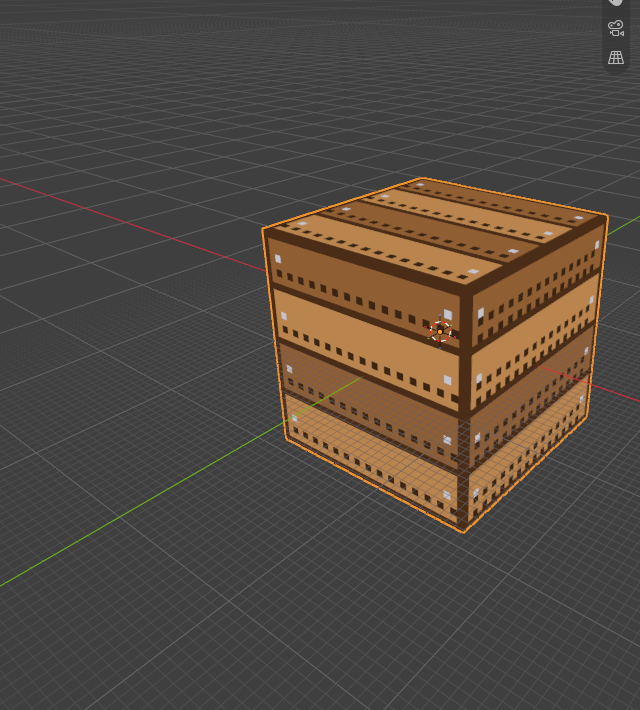
Godot: export a model on every save
Let’s start with the most common setup: the .blend lives outside the Godot project, and Pixel Art Studio writes a GLB model into it.
Save the .blend (Ctrl+S), somewhere outside the Godot project. Every integration needs a saved file.
Open the sidebar (N), tab
Pixel Art Studio, and open theOtherspanel at the bottom (it’s closed by default).Click the
Godotheader to open its section, then clickIntegrate with Godot.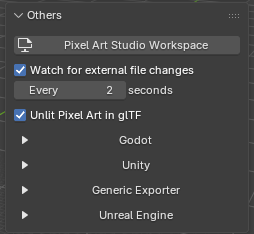
A file browser opens. Go to your Godot project folder (the one with
project.godotin it, a subfolder of it is fine too) and clickSelect Project.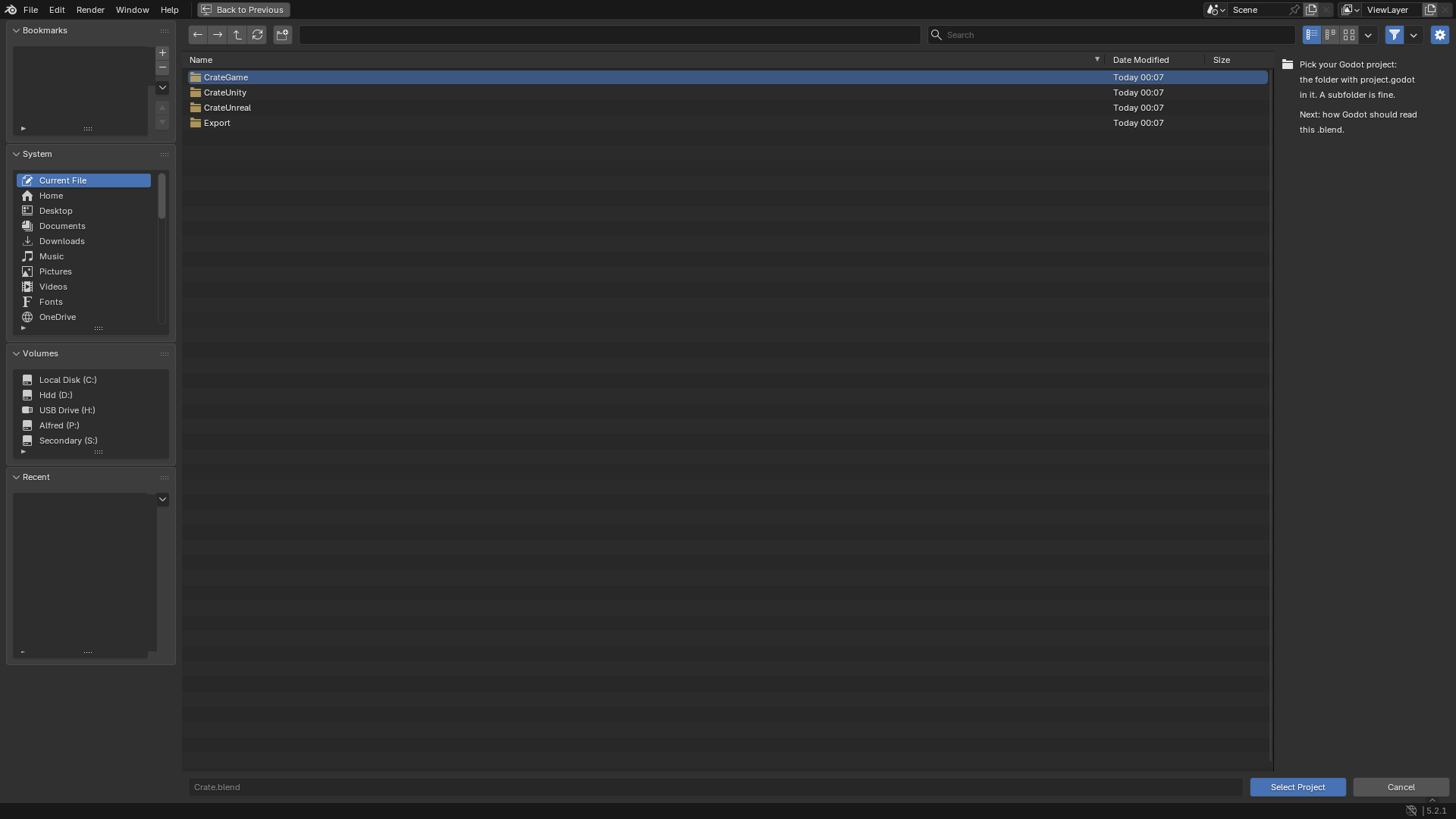
The
Integrate with Godotdialog opens. KeepExport on Every Saveticked andThe project's models folderpicked, then clickOK.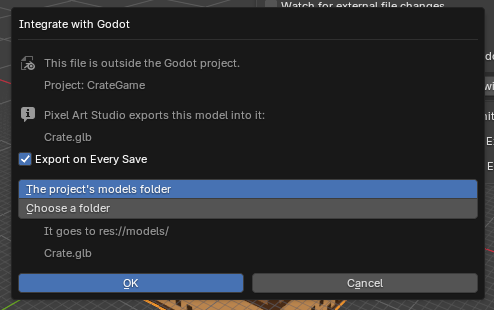
The first export runs right away. The last line of the
Godotsection says what was written, for exampleExported Crate.glb in 0.1 s.
Now switch to Godot: the model is in res://models/, named after the .blend. Drag it into a scene. It’s unshaded, the pixels are crisp at any distance, and transparent texels are cut out (only when the canvas has them).
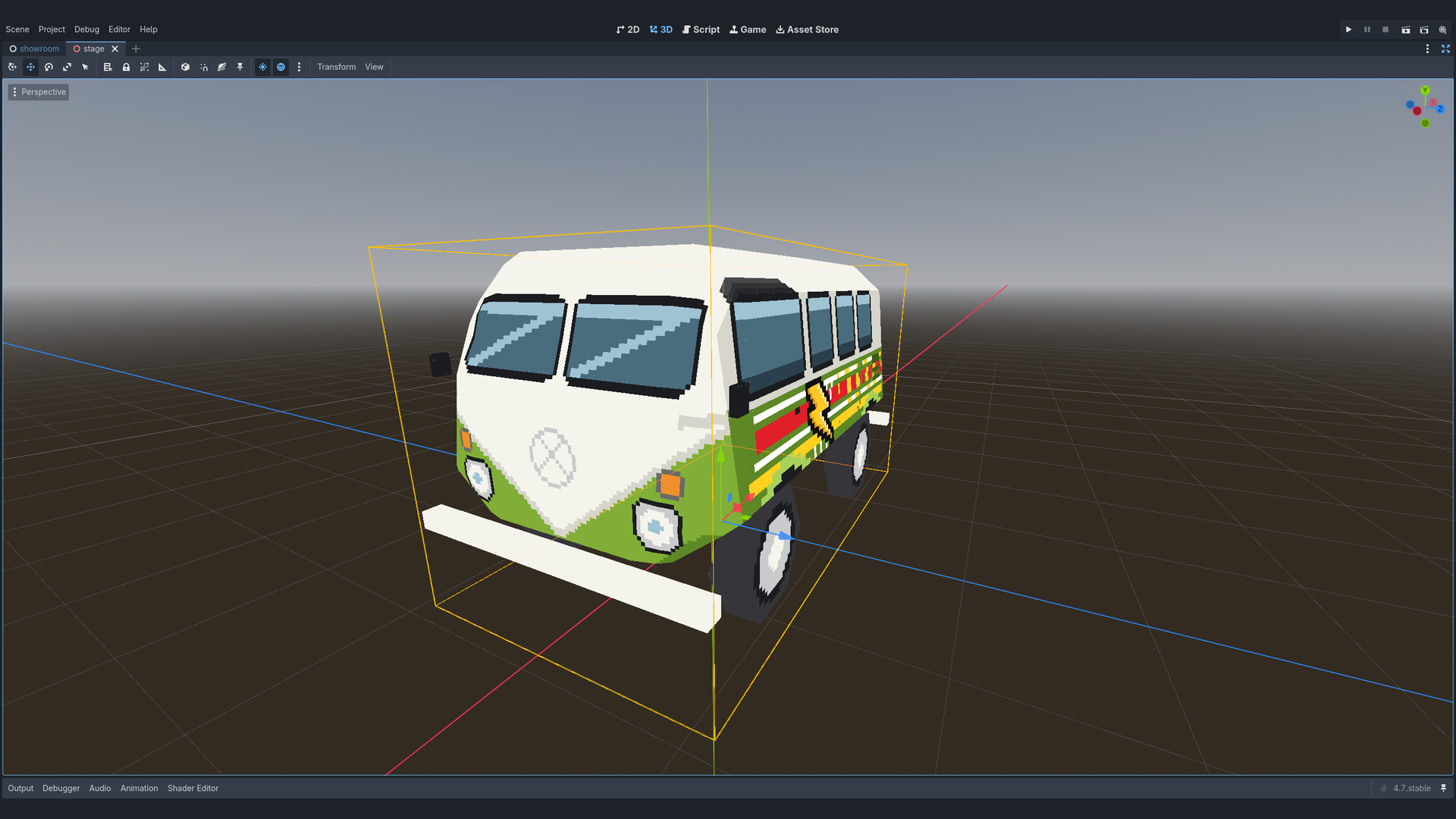
Paint, save, and it’s in Godot
Back in Blender, paint something on the model.
Press Ctrl+S.
Switch to Godot. It sees the new file and reimports it by itself.
That’s it, from now on it’s paint and save. Good to know:
Re-exportwrites the model into the project without saving the .blend (strokes you haven’t saved yet go along).The model’s name, its folder,
GLBorglTFand whether the texture goes inside the model or as a PNG beside it are all in theGodotsection, any time. See Game Engines for each setting.Already imported this model into Godot by hand before? Click
Fix Models in Project: it lists what Godot is reading wrongly and fixes it.Your own
File > Export > glTF 2.0gives you the same unlit, crisp model too, as long asUnlit Pixel Art in glTF(Otherspanel, above the engine sections) stays on.
Let Godot import the .blend itself
Godot can also open a .blend that lives inside the project, by running Blender itself. Pixel Art Studio then keeps Godot’s import settings and the texture up to date on every save.
Save the .blend inside the Godot project.
In Godot, point
Editor > Editor Settings > FileSystem > Import > Blenderat your Blender. It has to be the same version you use, or newer: an older Blender can’t open the file, and Godot then only says “not a blend file”.In Blender, click
Integrate with Godot, pick the project,Select Project.In the dialog pick
Godot imports this .blendand clickOK.
Tip
The Godot section tells you when Godot’s Blender is missing or too old, and its Copy Blender Path button copies this Blender’s path, ready to paste into Godot’s editor settings.
Unity: what changes
The steps are the same, from Others > Unity > Integrate with Unity. The differences:
Pick the Unity project folder, the one with
AssetsandProjectSettingsin it.The model is an FBX, with a PNG per canvas beside it.
The project's Models folderisAssets/Models.A small editor script goes into
Assets/PixelArtStudioBlender/Editor/. Switch to Unity and it compiles first, then imports the model: unlit, point filtered, transparent texels cut out.A rigged model?
Keep Armature Safeis picked for you when the scene has an armature.With the .blend saved inside
Assets, you can pickUnity imports this .blendinstead. Unity then opens the .blend with the Blender your system opens .blend files with, so that one has to be your version or newer.
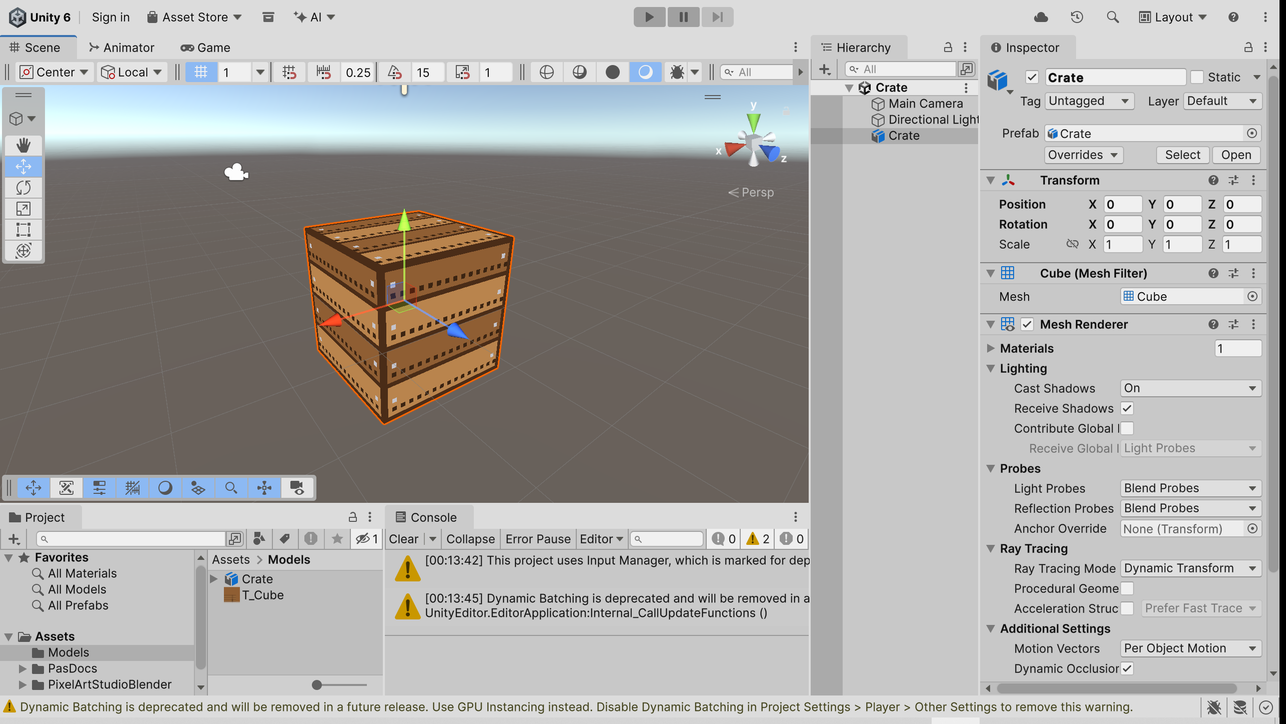
Unreal Engine: what changes
Unreal can’t open a .blend, so this one always exports a model, and a small plugin goes into your project to make it pixel art inside Unreal.
Save the .blend, then
Others>Unreal Engine>Integrate with Unreal Engine.Pick the Unreal project folder (the one with the
.uproject) and clickSelect Project.In the dialog, pick
FBXorGLB, keepExport on Every Save,The project's PixelArtSource folderand theUnreal Folder/Game/PixelArt, then clickOK.Start (or restart) the Unreal editor once, so it loads the plugin. The model shows up in
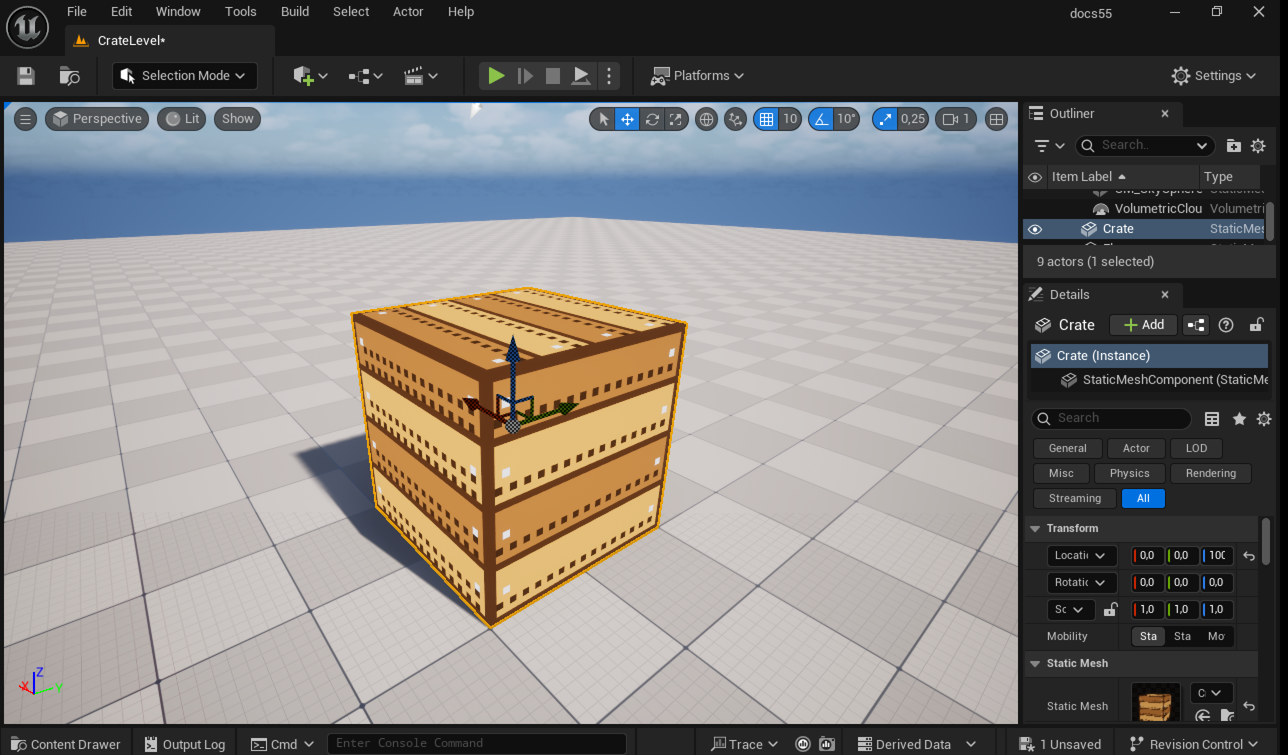
/Game/PixelArt, sharp and unlit.Paint and save in Blender: with
Update Unreal Automaticallyon, the open Unreal editor brings the new model in a few seconds later, with no prompt.
Note
The model file goes in a folder outside Content on purpose: Unreal imports everything in Content by itself and asks to reimport on every save. From outside, the plugin brings it in quietly.
Any other engine
Not using one of these three? Others > Generic Exporter > Export to a Folder writes GLB, glTF or FBX into any folder you pick, on every save. See Game Engines.